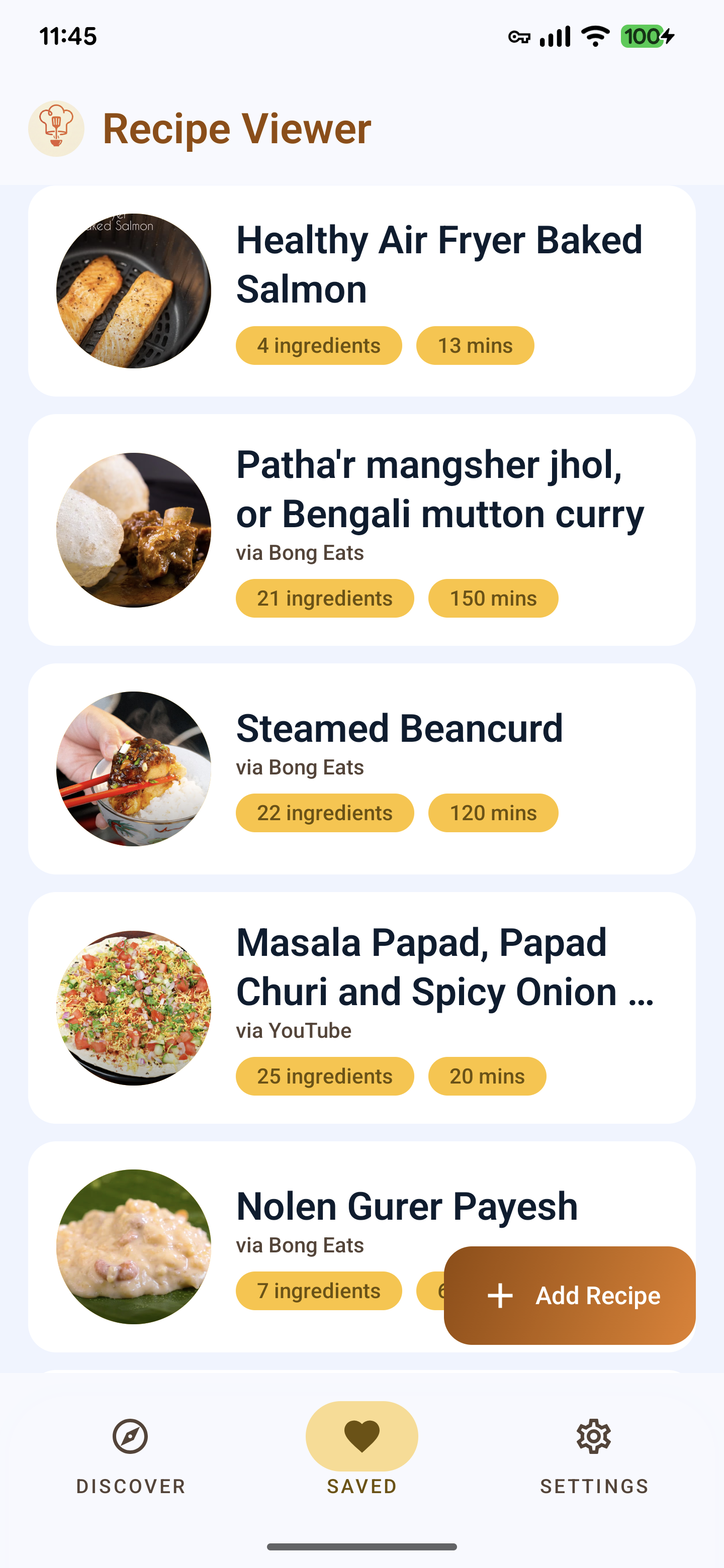
Organize and follow your favorite recipes with ease. Extract ingredients directly from URLs and enjoy a focused cooking experience.
Now available in Open Beta on the Play Store

Built with the modern home chef in mind, powered by Google's Gemini AI.
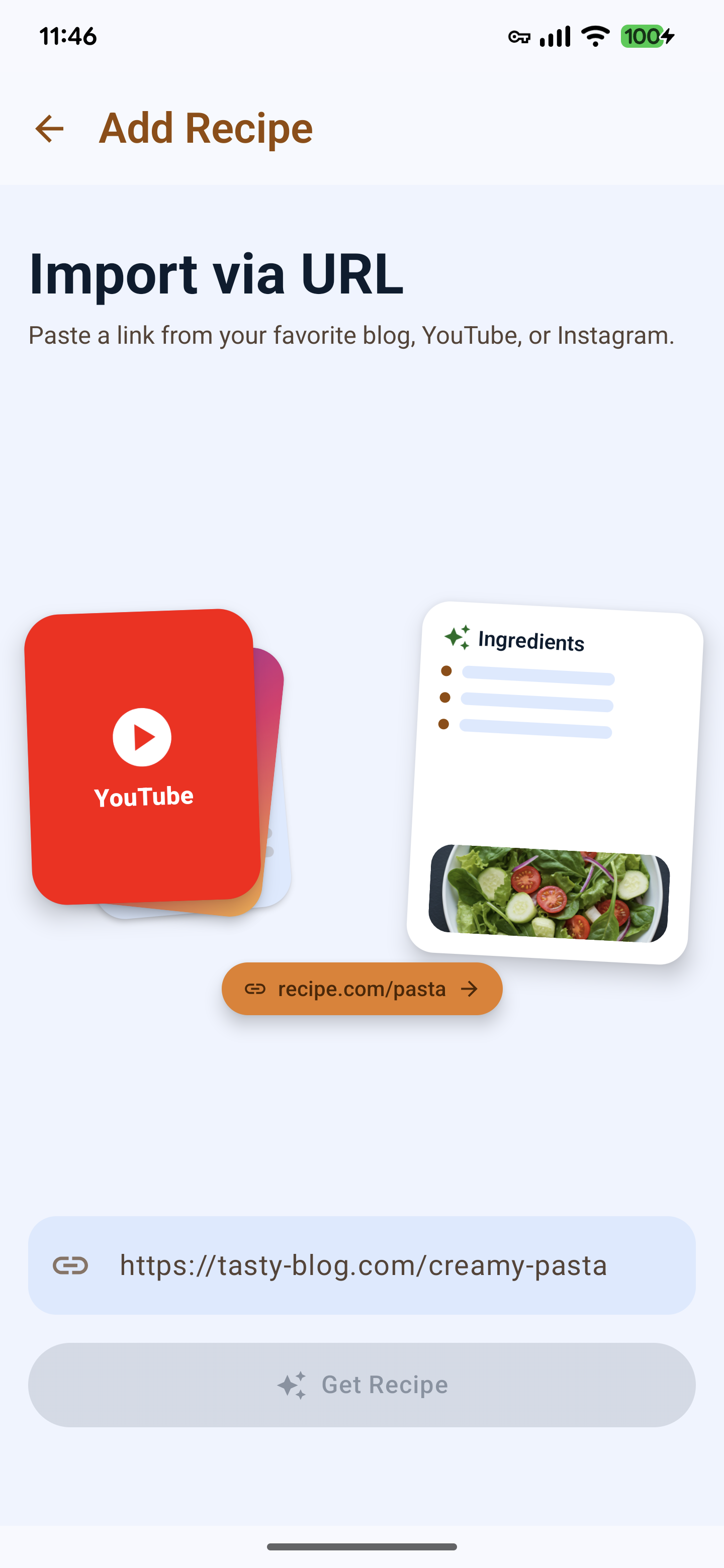
Add recipes simply by pasting a URL. The app uses the Google AI SDK (Gemini 1.5 Flash) to parse websites and extract structured recipe data, including ingredients, steps, and timing.
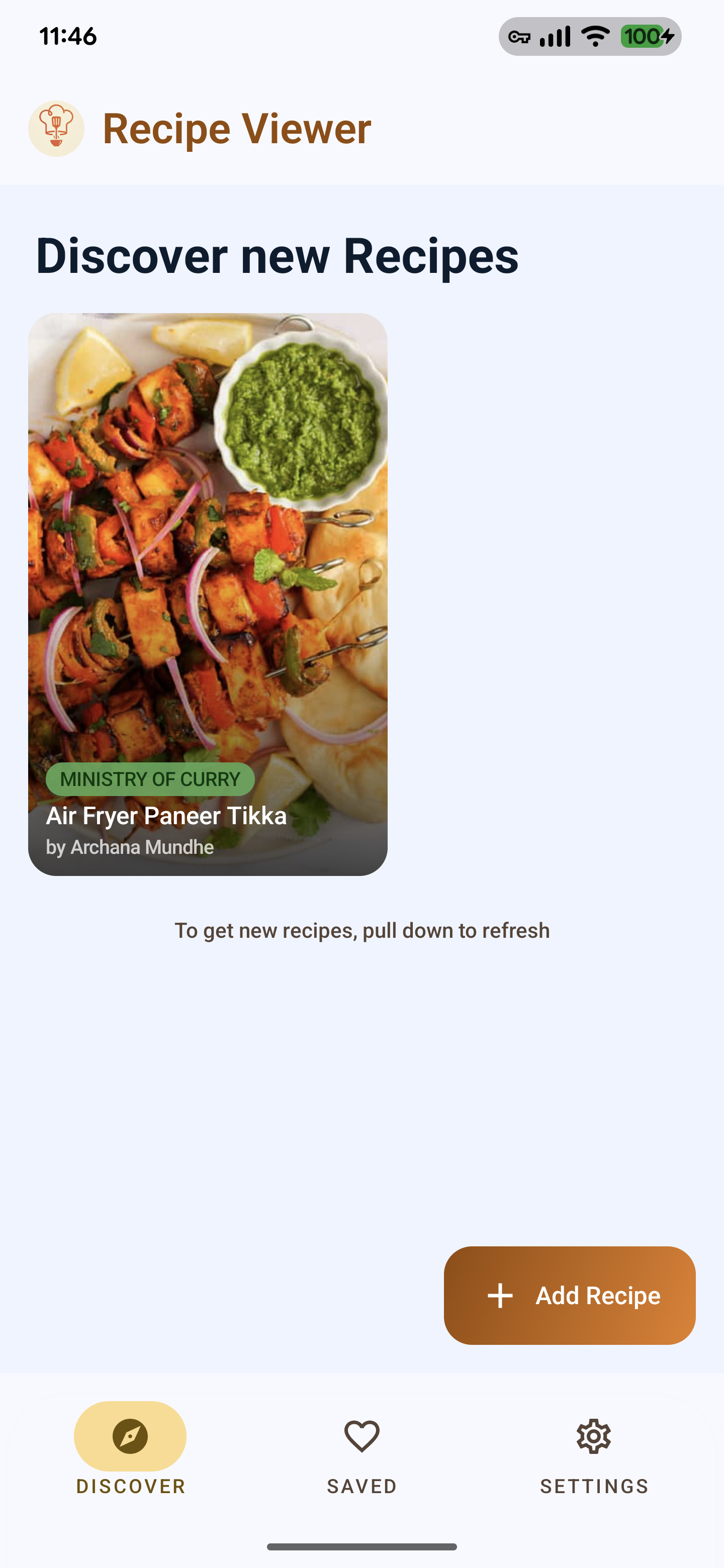
Explore a global collection of recipes shared by the community. Find inspiration and save new favorites to your personal collection with a single tap.
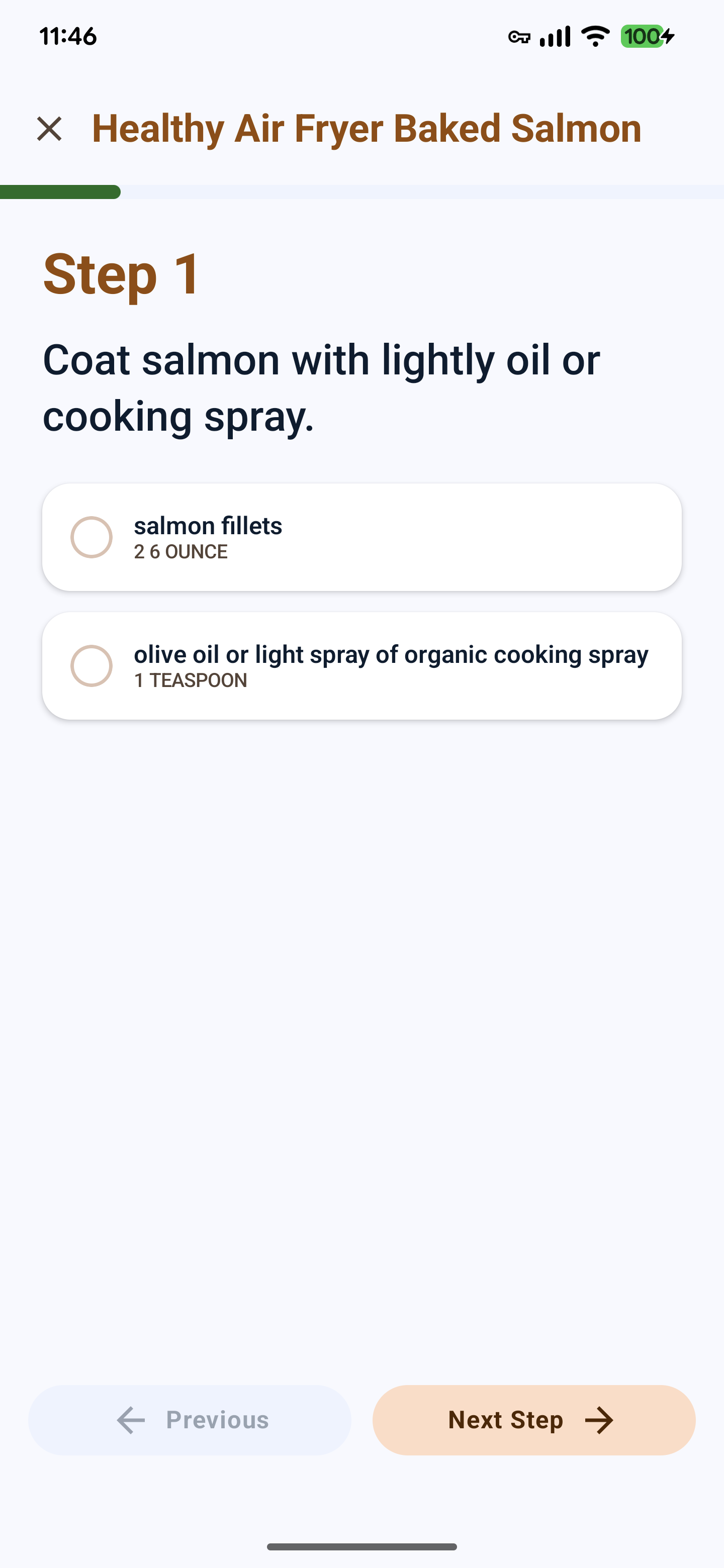
Cook Mode: A dedicated step-by-step slideshow mode that keeps your screen on while you cook. Each step displays the specific ingredients needed for that instruction.
Grouped Instructions: Supports complex recipes by organizing steps and ingredients into logical parts (e.g., "The Dough", "The Filling").
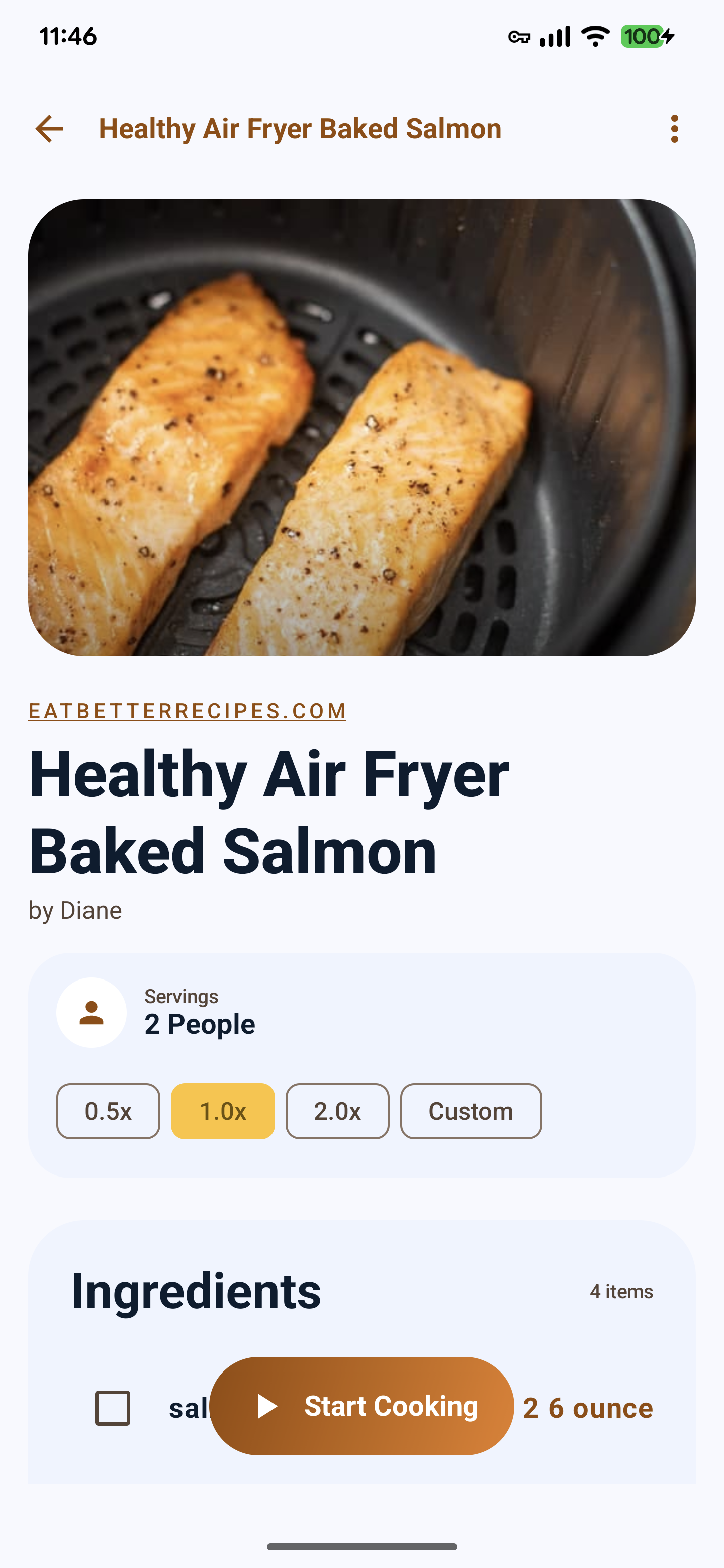
Ingredient Checklist: Keep track of your progress by marking ingredients as gathered or prepared. Your progress is synced between the recipe overview and Cook Mode.
Adjust recipe quantities on the fly with presets (0.5x, 1x, 2x) or enter a custom multiplier to scale your ingredients precisely.
A beautiful, modern UI built with Material 3, featuring Shared Element Transitions and Dynamic Color support that adapts to your device wallpaper.
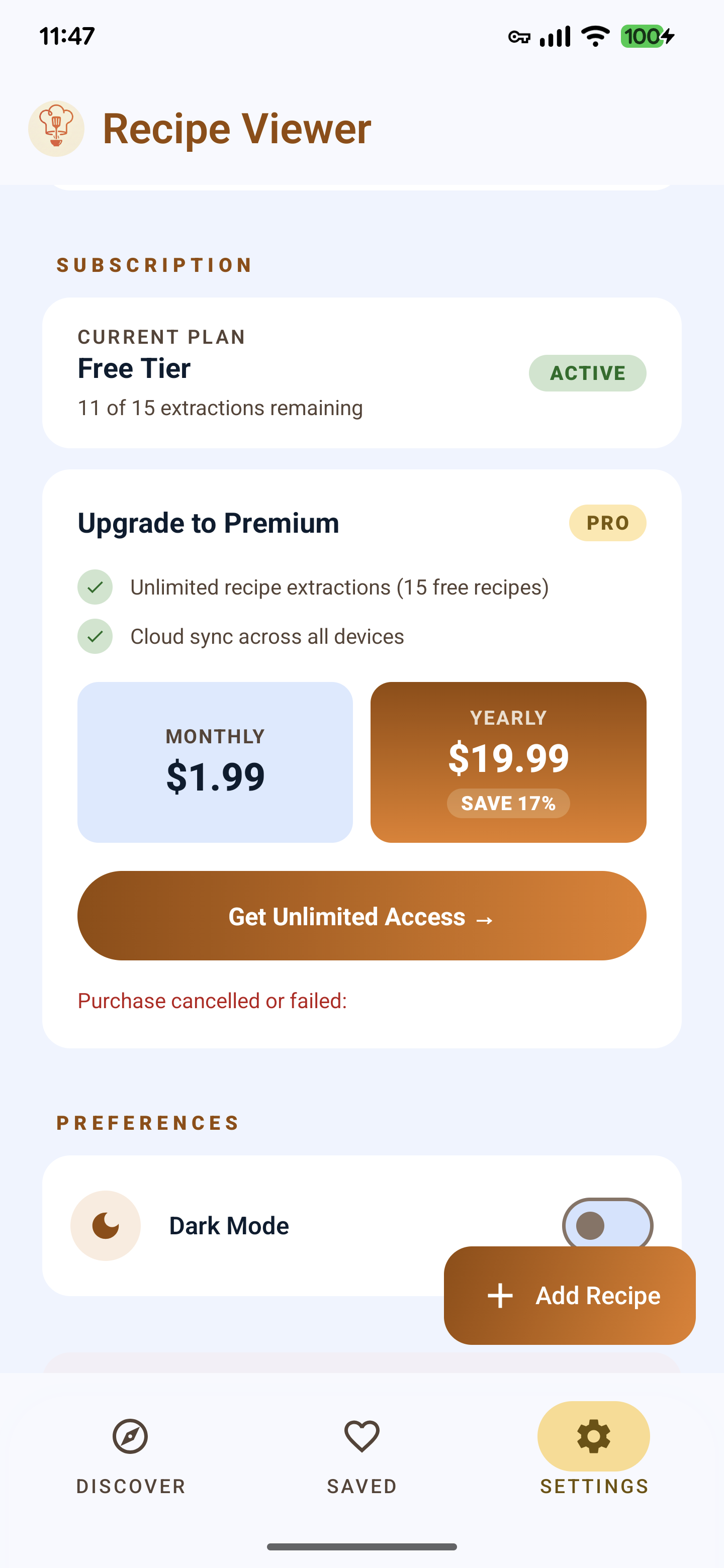
Unlimited Access: Monthly and Yearly subscription options are available to unlock unlimited AI recipe extractions and cross-device cloud sync capabilities.
Cloud Sync & Backup: Securely sync your recipe collection across devices using Firebase Authentication and Firestore. Your recipes are always available, even if you switch devices.
Offline Support: All your recipes are cached locally using a Room database, ensuring you can cook even without an internet connection.
RecipeViewer is now in Open Beta! Download it directly from the Google Play Store and help shape the future of cooking.